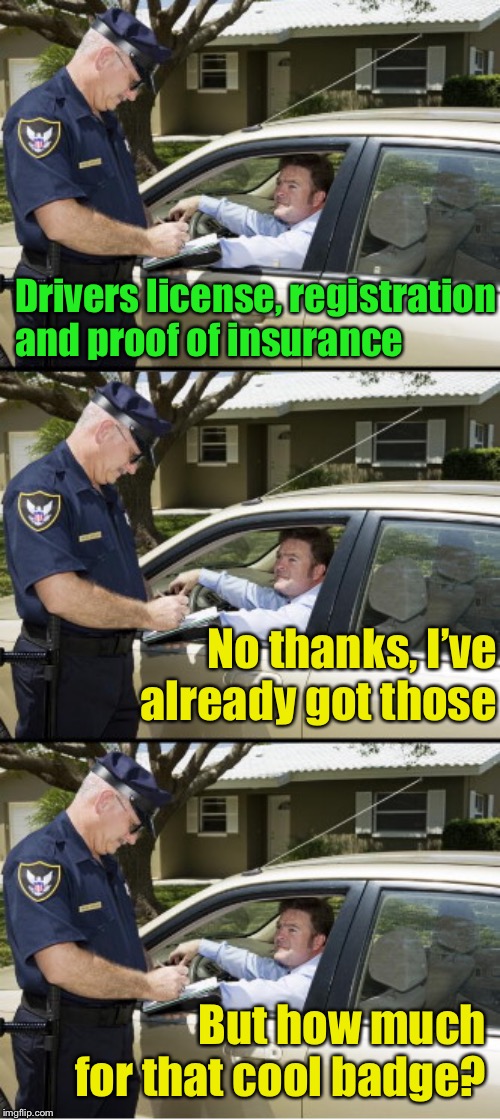
Tired of nervously searching for that super-important piece of paper that says your car is insured when a cop pulls you over? No problem! It's the 21st century, folks! We can afford to go digital with an electronic proof of insurance card. Just grab it from your insurance provider’s app or website, save it on your phone, and you’re good to go—stress-free and ready for anything!
No worries, it’s super easy to get one these days! An electronic proof of insurance card is a digital version of your auto insurance ID card that you can store on your phone or device. It’s accepted in most places, just like the paper version, and it’s a convenient way to show you’re insured when you’re on the go. Here’s how you can get one in a few simple steps:
Pro Tip: Some insurance apps let you request a new card if your policy changes, so check back if you update your coverage. If you run into any issues, your insurer’s customer service team is usually happy to help!
No worries, it’s super easy to get one these days! An electronic proof of insurance card is a digital version of your auto insurance ID card that you can store on your phone or device. It’s accepted in most places, just like the paper version, and it’s a convenient way to show you’re insured when you’re on the go. Here’s how you can get one in a few simple steps:
- Contact Your Insurance Provider: Reach out to your insurance company through their website, mobile app, or by giving them a quick call. Most insurers have a customer portal or app where you can access your policy details.
- Log In to Your Account: If you’re using the insurer’s website or app, log in with your account credentials. Don’t have an account? No problem! You can usually create one in just a few minutes.
- Find the Insurance Card Option: Look for a section labeled something like “ID Cards,” “Proof of Insurance,” or “Policy Documents.” This is where you’ll find your electronic insurance card. Some apps even let you add it directly to your phone’s wallet (like Apple Wallet or Google Pay).
- Download or Save the Card: Once you locate the card, you can download it as a PDF or image file. Save it to your phone or email it to yourself so you can access it anytime, even offline.
- Check State Requirements: Most states in the U.S. accept electronic proof of insurance, but it’s a good idea to double-check your state’s rules to make sure. You can usually find this info on your state’s DMV website or by asking your insurer.
- Keep It Handy: Store the card in a place where you can quickly pull it up—like in your phone’s photo gallery or wallet app. This way, you’re ready if you’re ever asked to show proof of insurance during a traffic stop or at the DMV.
Pro Tip: Some insurance apps let you request a new card if your policy changes, so check back if you update your coverage. If you run into any issues, your insurer’s customer service team is usually happy to help!
In case you forgot. Who Might Ask for Your Insurance ID Card?
Your insurance ID card—whether it’s a paper version or a handy digital one—is something you’ll need to show in a few situations. No stress, though! Here’s when it might come up:
Pro tip: Keep that digital card saved on your phone for quick access—it’s a game-changer!
Your insurance ID card—whether it’s a paper version or a handy digital one—is something you’ll need to show in a few situations. No stress, though! Here’s when it might come up:
- At the DMV: Heading to renew your license plate? You’ll likely need to flash your insurance ID card to prove your car’s covered.
- During a Police Stop: If you get pulled over (for whatever reason), the officer will probably ask for your driver’s license, registration, and that trusty proof of insurance. Not having it could lead to a hefty fine, so keep it ready!
- After an Accident: If you’re in a fender-bender, both the other driver and the police officer at the scene will want to see your insurance ID to make sure everything’s in order for claims.
- At a Car Dealership: Buying a new or used car? You’ll need to show proof of insurance before you can zoom off the lot in your new ride.
Pro tip: Keep that digital card saved on your phone for quick access—it’s a game-changer!